A wireless front door camera lets you see, hear, and talk to anyone at your door from your phone, without running any wires. Most models clip onto your existing door or wall, run on battery or a small solar panel, and connect to your home Wi-Fi. If you want a simple setup, real-time alerts, and clear video day or night, a wireless door camera is one of the easiest home security upgrades you can make.
A wireless front door camera lets you see, hear, and talk to anyone at your door from your phone, without running any wires. Most models clip onto your existing door or wall, run on battery or a small solar panel, and connect to your home Wi-Fi. If you want a simple setup, real-time alerts, and clear video day or night, a wireless door camera is one of the easiest home security upgrades you can make.
Ever peek out the window when someone rings your bell, wondering if it’s a delivery or someone you’d rather not deal with? A wireless front door camera solves that problem for good. No electrician, no drilling through walls, just a quick install and you can see, hear, and talk to whoever’s at your door right from your phone, whether you’re upstairs or halfway across town.
The tricky part is that not all wireless cameras are created equal, and with so many options out there, it’s easy to end up with one that has grainy night vision or a battery that dies every two weeks. This guide walks you through what actually matters, from video quality to storage options, so you can pick a camera that genuinely fits your home instead of just going with whatever’s trending.
A wireless front door camera is a small, battery-powered or solar-powered camera mounted near your entryway. It records video, sends motion alerts to your phone, and often includes two-way audio so you can talk to visitors or delivery drivers in real time.
Unlike wired security systems, a wireless home door camera does not need an electrician or drilling through walls for power cables. Most units install in under 30 minutes using a screwdriver and a mounting bracket.
Wired cameras still have their place, but wireless options solve several common frustrations.
The tradeoff is that batteries need charging every few weeks to a few months, depending on usage and weather.
Not all wireless door cameras are built the same. Here’s what actually matters when comparing models.
Look for at least 1080p resolution. Some newer wireless front door security camera models offer 2K or higher, which helps you read license plates or identify faces from a distance.
A wider field of view, ideally 130 to 160 degrees, captures more of your porch, walkway, and driveway in one frame.
Color night vision has become common and is far more useful than old-style black and white infrared footage for identifying visitors.
Smart motion detection that distinguishes people from cars, animals, or moving branches cuts down on false alerts significantly.
Most cameras offer cloud storage through a subscription, while some also support local storage on a microSD card or hub. Local storage avoids monthly fees but has less remote backup protection.
Battery life ranges from 30 days to several months per charge. Solar-powered models can run indefinitely in sunny climates.
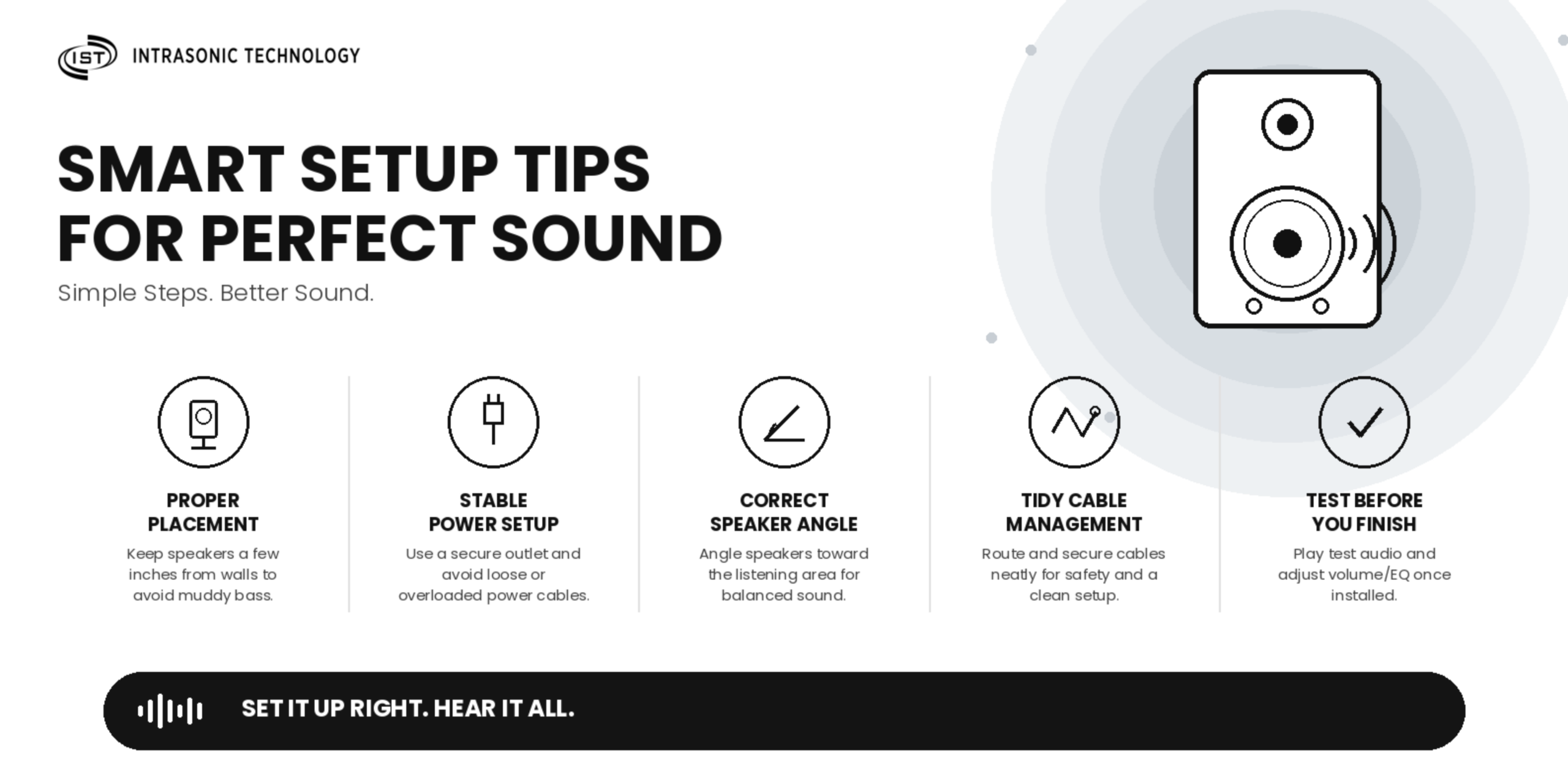
A little planning makes a big difference in video quality and reliability.
If you’re not confident about the best placement for your home or want to avoid trial and error, it’s worth getting expert advice before you start drilling. A quick chat with a security specialist can help you factor in your entryway layout, lighting conditions, and Wi-Fi coverage so you get strong video quality from day one instead of adjusting the camera repeatedly after installation.
Many homeowners run into the same few issues after installation.
A wireless front door camera is one of the simplest ways to add real security and peace of mind to your home. With flexible installation, strong video quality, and helpful features like motion alerts and two-way talk, it’s a practical upgrade for almost any homeowner or renter.
Before you buy, use the checklist above to compare features that matter most for your home and budget. If you’d like personalized recommendations based on your entryway layout and Wi-Fi setup, reach out to the team at Intrasonic Technology to find the right wireless door camera for your needs.

Hours: 8am – 5pm Monday – Friday
Phone: 877-435-0670
International: 972-235-0670
Fax: 972-235-0890
9525 Forest View Street
Dallas, TX 75243
The Number 1 Top Manufacturer of RETRO Replacement Home Intercom Systems, Speakers, Front Door Security Cameras and Audio Equipment
©2011-2023 Intrasonic Technology, All Rights Reserved
Website Design & Development by Blue Cardigan Creative